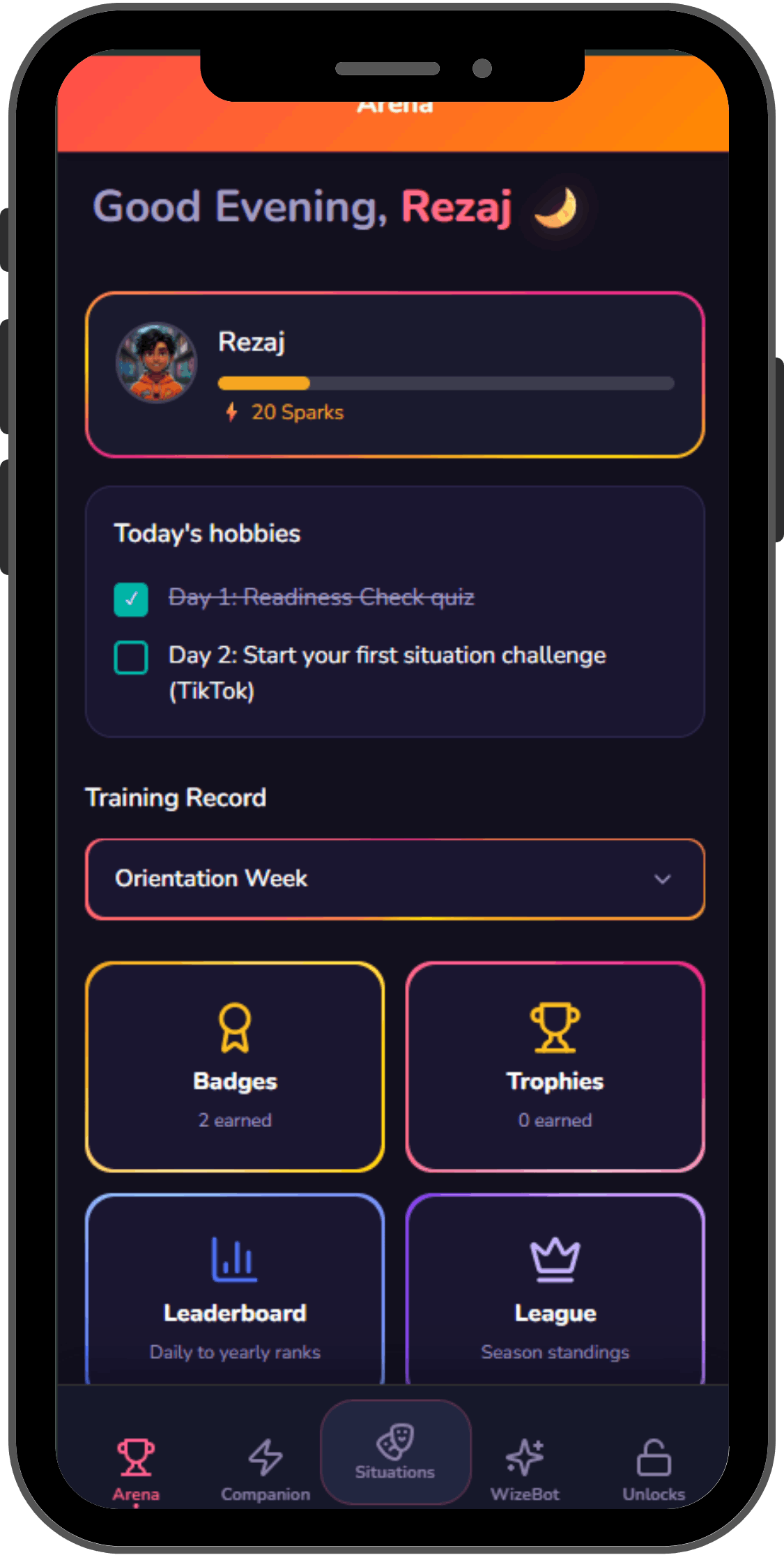
Content
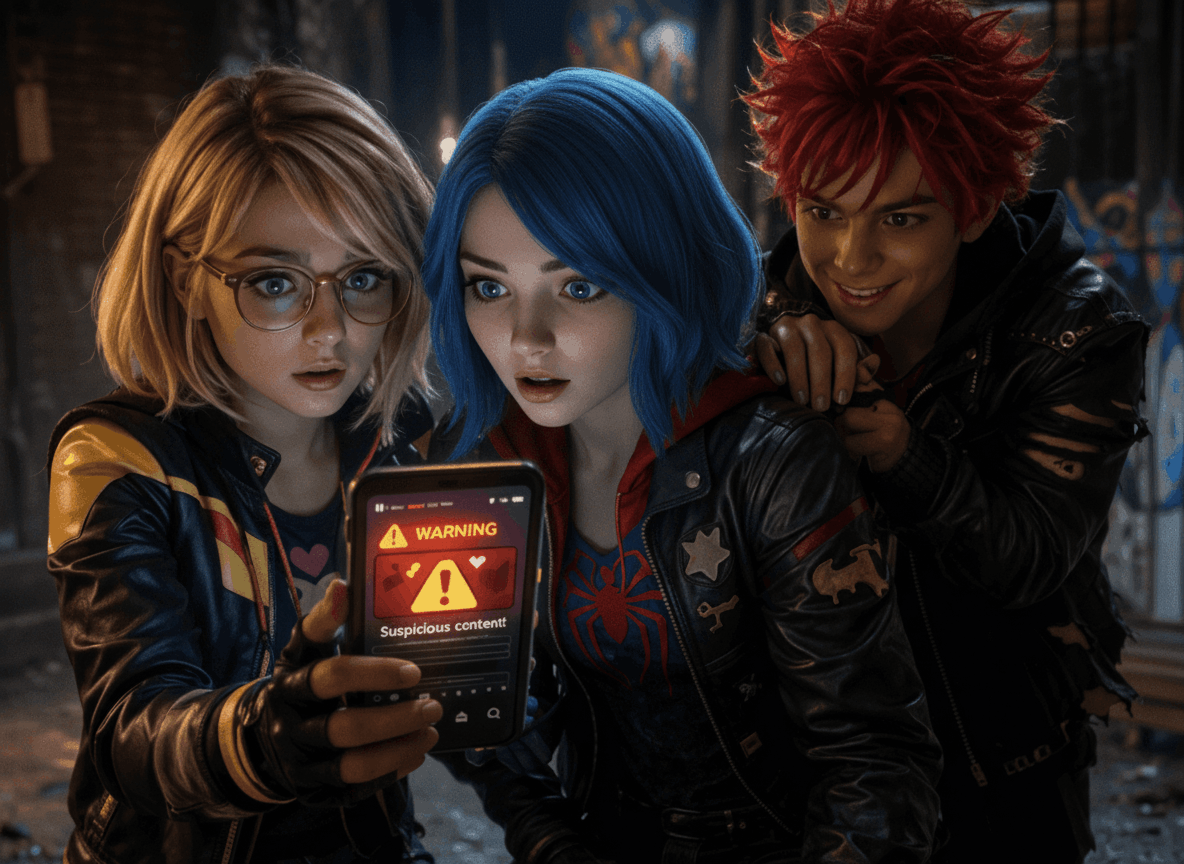
What kids see
Most tools help you block, monitor, or react after the fact. WizeGen builds the judgment that makes those tools unnecessary.
Blocks access before it starts.Blocks first
Alerts after risk appears.After risk
Builds judgment before risk happens.Before risk
Risk Framework
Rather than teaching abstract rules, WizeGen puts kids inside real situations, building the instincts that protect them long after any app is closed.
WizeGen trains the micro-decisions inside each risk: the split-second choices that define what actually happens.
What kids see
Who reaches out
How kids act
What kids buy or share
Three steps: simulate scenarios, practice decisions, then see parent readiness insights.
AI scenario simulation Your child enters realistic online situations based on the moments kids actually face today.

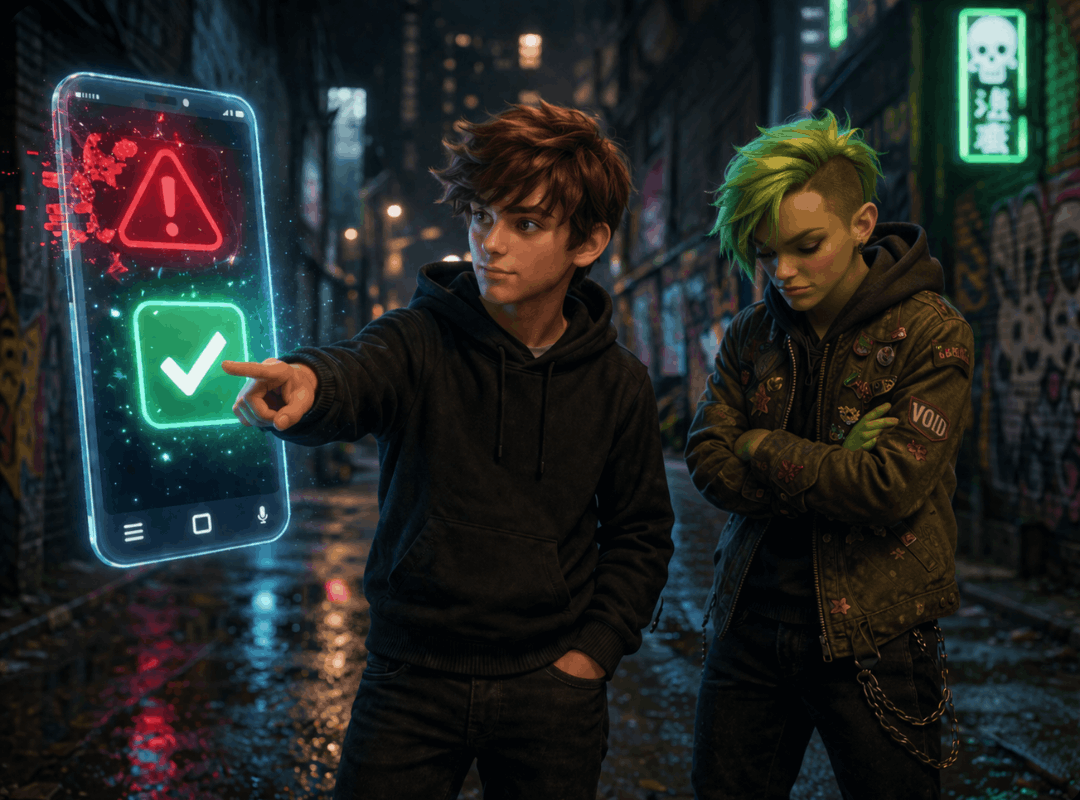
Decision-by-decision practice WizeGen tracks how they respond to pressure, manipulation, uncertainty, and risk cues.
Parent readiness insight You see where your child is strong, where they need support, and how to coach them, without reading private messages.
Two apps. One shared mission. A family that's actually prepared.
Parents take a 2-minute blind spot check at the assessment page to see where their child stands before the week begins. Kids take an 8-question scenario-based check inside the app, real situations across the 4 online risk categories. Together the results form your family's starting point.