Content
What kids see
Try WizeGen
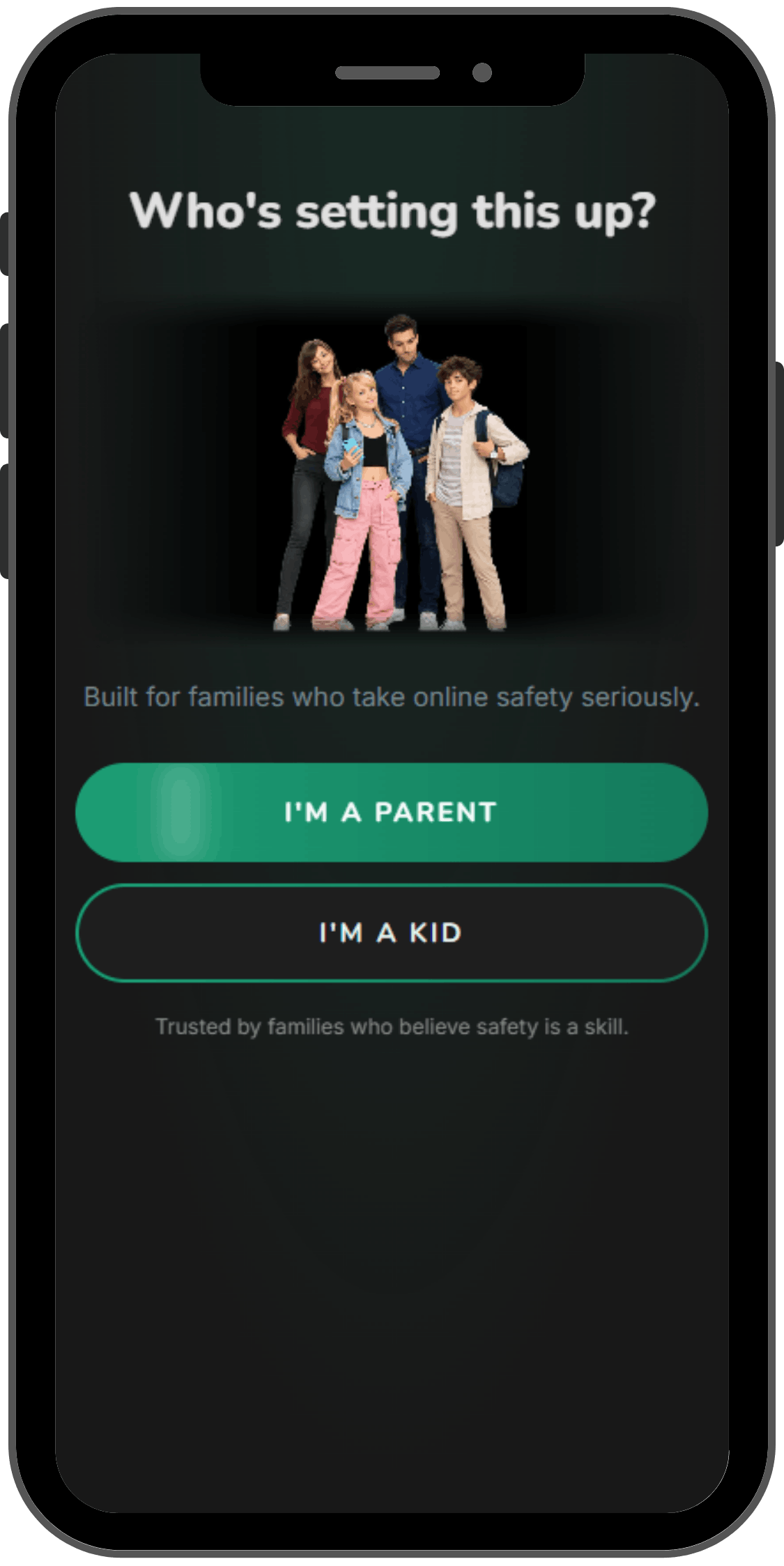
See the parent app and your child's first training scenarios. No card required.
Start the free 7-day program →Most tools help you block, monitor, or react after the fact. WizeGen builds the judgment that makes those tools unnecessary.
Blocks access before it starts.Blocks first
Alerts after risk appears.After risk
Builds judgment before risk happens.Before risk
Blocking buys time. Judgment lasts longer. Put that approach into practice with your family.
Start the free 7-day program →Risk Framework
Rather than teaching abstract rules, WizeGen puts kids inside real situations, building the instincts that protect them long after any app is closed.
WizeGen trains the micro-decisions inside each risk: the split-second choices that define what actually happens.
What kids see
Who reaches out
How kids act
What kids buy or share
The 4Cs aren't abstract rules here—they're scenarios your child practises. Train the micro-decisions that protect them when no app is watching.
Start the free 7-day program →A flight simulator for social media—in your pocket. See how your child responds under pressure before it happens for real.
Start the free 7-day program →Three steps: simulate scenarios, practice decisions, then see parent readiness insights.
AI scenario simulation Your child enters realistic online situations based on the moments kids actually face today.


Decision-by-decision practice WizeGen tracks how they respond to pressure, manipulation, uncertainty, and risk cues.
Parent readiness insight You see where your child is strong, where they need support, and how to coach them, without reading private messages.

Scenarios, decision practice, and parent insight—set up in minutes. Your first week is mapped out; start it today.
Start the free 7-day program →Two apps. One shared mission. A family that's actually prepared.
Parents take a 2-minute blind spot check at the readiness check to see where their child stands before the week begins. Kids take an 8-question scenario-based check inside the app, real situations across the 4 online risk categories. Together the results form your family's starting point.
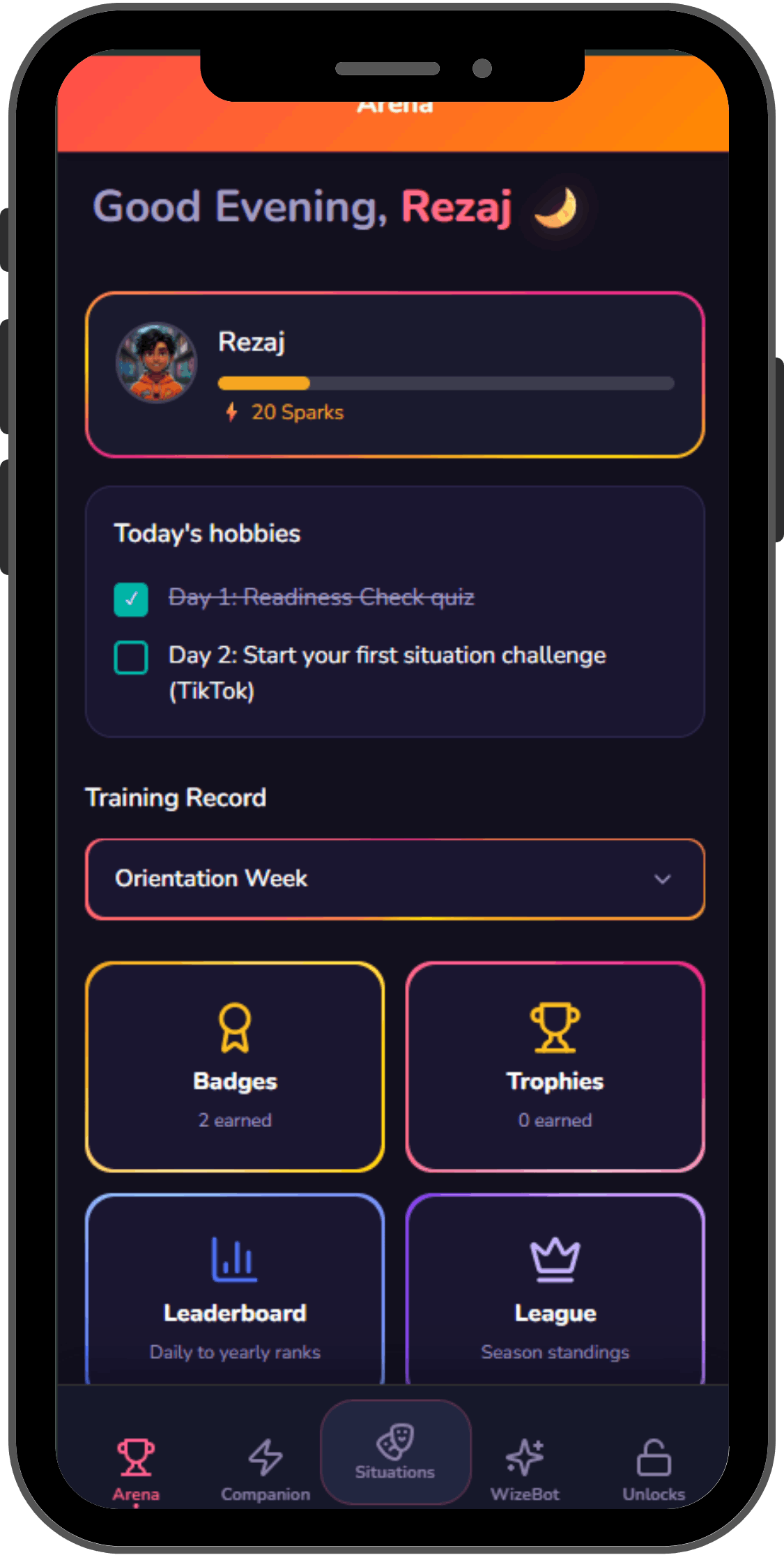
You've seen what Week 1 looks like. Open the apps and begin with your child.
Start the free 7-day program →